April 2, 2026
Etsy Seller's Guide to Better Product Photos
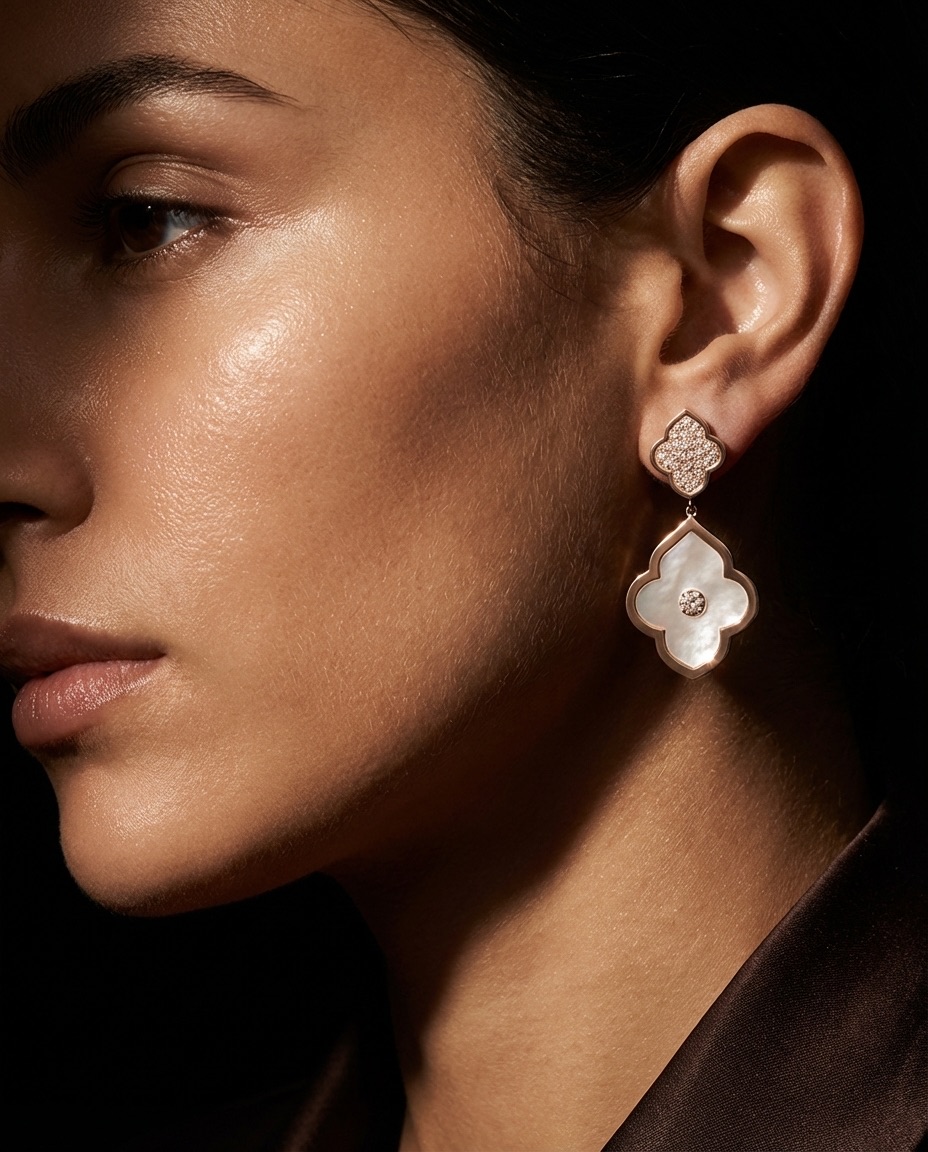
Your Etsy listing has 1.3 seconds to stop a shopper mid-scroll. That's it. And the single biggest factor? Your product photos.
Etsy's own data shows that photo quality is the #1 reason buyers click on a listing. Not price, not reviews — photos. If your images look like they were shot on a kitchen counter with overhead lighting, you're leaving money on the table.
Etsy's Image Requirements You Can't Ignore
Before anything else, let's cover the technical specs Etsy actually enforces:
- Minimum resolution: 2000px on the shortest side (aim for 3000px+)
- Thumbnail aspect ratio: 5:4 — Etsy crops your first image to this ratio in search results
- File types: JPG, PNG, or GIF
- Max file size: 20MB per image
- Up to 10 images per listing (use all of them)
That 5:4 crop catches a lot of sellers off guard. If your product sits dead center in a square image, the top and bottom get chopped in search results. Always preview how your first photo looks at 5:4 before publishing.
Why 10 Photos Matters for Etsy SEO
Etsy's search algorithm considers listing quality score, and the number of photos you upload is a factor. Listings with all 10 image slots filled consistently outperform those with 3-4 photos.
Here's what to put in those 10 slots:
- Hero shot — clean, styled product photo (this is your thumbnail)
- Scale reference — product next to a hand, coin, or common object
- Detail close-ups — texture, stitching, finish quality
- Lifestyle/in-use shots — the product in its natural environment
- Variations — show every color, size, or style option
- Packaging — buyers love knowing what arrives at their door
- Process shots — especially for handmade items, show the craft
- Infographic — dimensions, materials, care instructions as an image
- Customer photos — with permission, these build trust fast
- Brand/story image — a quick "about the maker" visual
What Top Etsy Sellers Do Differently with Product Photos
I've studied hundreds of top-performing Etsy shops across jewelry, home decor, and apparel. The patterns are obvious once you see them. If you're selling jewelry on Etsy, our AI jewelry photography guide covers the specific challenges of shooting reflective, detailed pieces.
They use consistent backgrounds. Not necessarily white — many top sellers use marble, linen, or wood surfaces. But it's the same look across every listing. This builds brand recognition when buyers browse your shop page.
They shoot for the thumbnail first. The hero image is composed specifically for that 5:4 crop. Product centered, enough breathing room, no important details near the edges.
They mix lifestyle and studio shots. The first image is usually clean and product-focused. Images 2-4 show the product in context — being worn, on a shelf, in a room. This combo answers both "what is it?" and "how would it look in my life?"
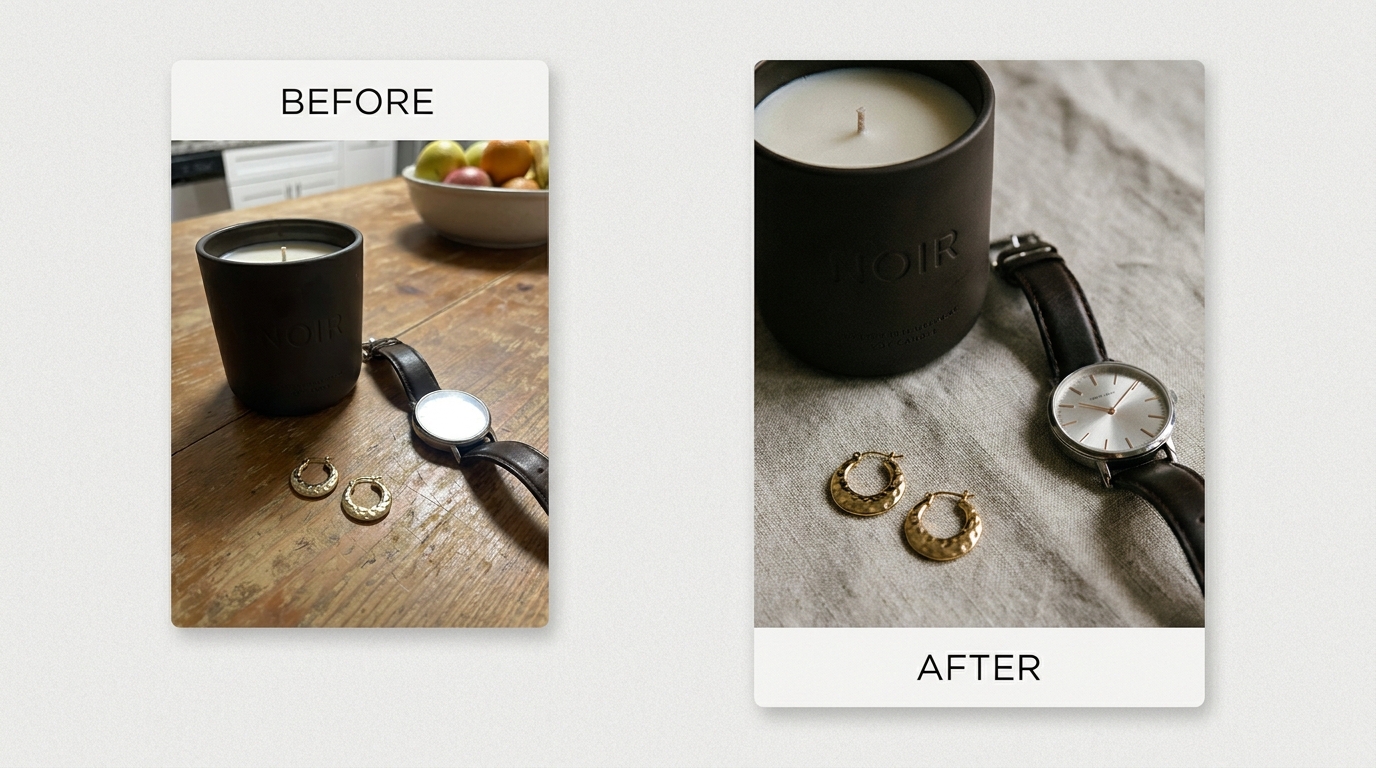
For more on the lifestyle vs. clean background debate, check out our comparison of lifestyle and white background photography.
The Lighting Difference
Top sellers almost universally use soft, diffused natural light or a proper lightbox. Harsh shadows and yellow-tinted indoor lighting are the fastest way to make a product look cheap.
If you're shooting with natural light, position your setup near a large window. Use a white foam board on the opposite side to bounce light and fill shadows. Overcast days are actually ideal — the clouds act as a giant diffuser.
We cover this in depth in our phone product photography guide if you're working with a smartphone.
How to Create Etsy-Ready Photos Without a Studio Budget
Here's the reality: most Etsy sellers are one-person operations. You don't have a photography studio. You probably don't have a DSLR. And hiring a photographer at $25-50 per product isn't realistic when you have 200 SKUs.
This is exactly where AI product photography changes the game.
Instead of building a full studio setup, you can:
- Snap a quick photo of your product on any clean surface
- Let AI remove the background automatically
- Generate a professional, styled scene that matches your brand
Flyshot does exactly this. Upload your raw product photo, pick a style preset like Marble Surface or Natural Light, and get back a studio-quality image in seconds. The AI removes the background and generates a styled scene — the output is high-resolution enough for Etsy's 2000px requirement, and you can generate multiple scene variations to fill all 10 image slots.
The workflow scales well for large catalogs. With a subscription, you can batch-process your entire inventory in a single session — upload photos, pick a consistent style, and generate all the variations you need. For Etsy sellers with hundreds of SKUs, that's the difference between "I'll update my photos someday" and actually doing it this weekend.
Etsy Listing Tips for Maximum Photo Impact
Once you have great images, squeeze every bit of value from them:
- Name your image files with keywords before uploading — Etsy reads filenames for SEO (e.g.,
handmade-ceramic-mug-blue-glaze.jpg) - Put your strongest photo first — it's the only one shoppers see in search
- Use alt text on every image with natural keyword descriptions
- A/B test your hero image — swap it out for 2 weeks and compare click-through rates
- Update photos seasonally — a holiday-themed lifestyle shot in November can boost relevance
Quick Checklist: Etsy Product Photos That Convert
Before you publish any listing, run through this:
- [ ] First image looks good at 5:4 crop
- [ ] All images are 2000px+ on the shortest side
- [ ] All 10 image slots are filled
- [ ] At least 2 lifestyle/context shots included
- [ ] Consistent background style across your shop
- [ ] Image filenames include relevant keywords
- [ ] No harsh shadows or color casts
If you want to learn more about how AI is reshaping product photography for small sellers, our guide to AI product photography breaks down the full picture.
Your photos are your storefront on Etsy. Treat them like it.