April 20, 2026
Free AI Background Removal for E-Commerce Product Photos
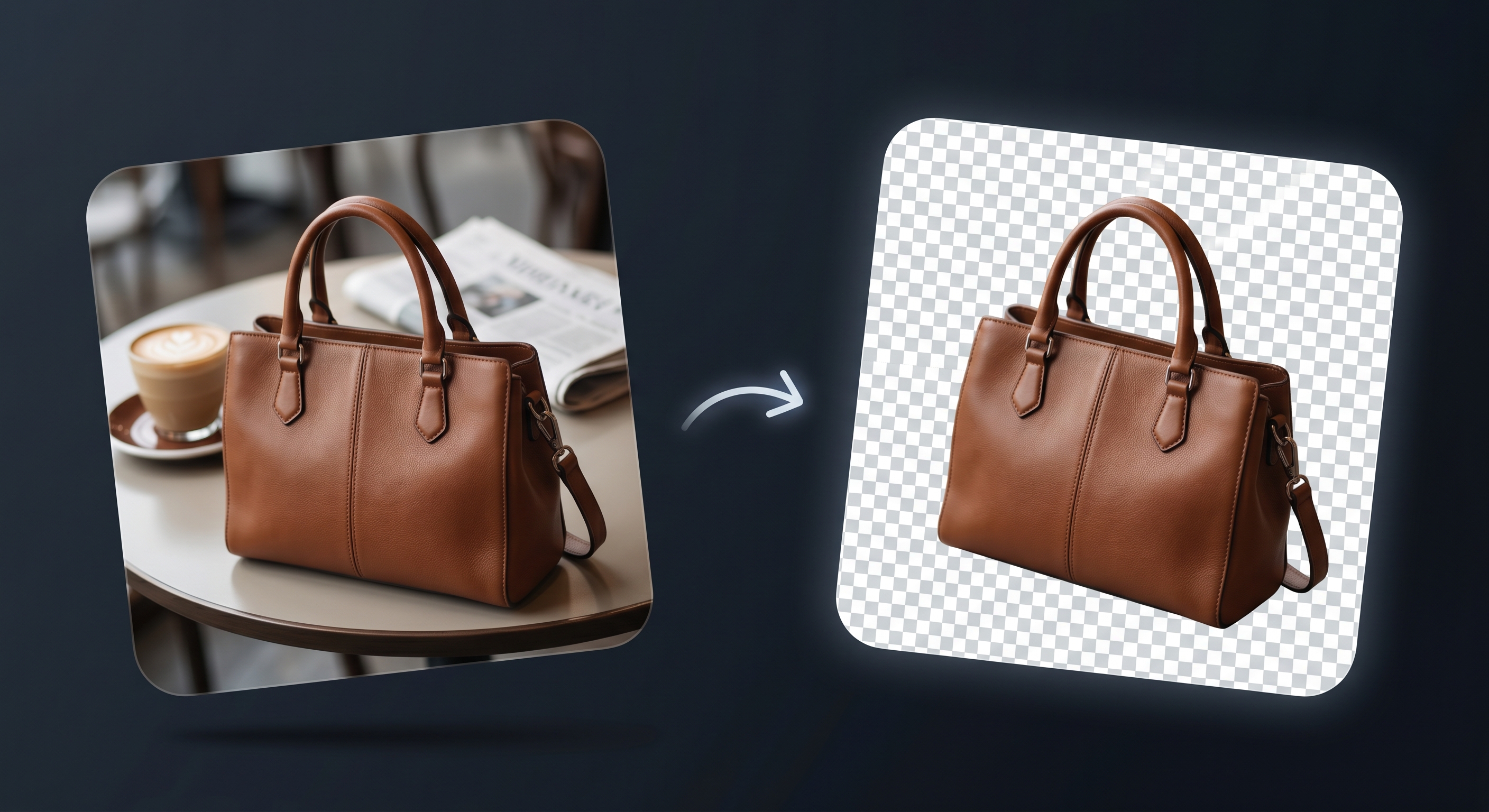
Professional background removal used to be expensive. Clipping path services charge $0.50–$3.00 per image. Freelance editors charge by the hour. If you're a small seller with a growing catalog, those costs add up fast — and the turnaround is measured in days, not seconds.
AI has changed the economics completely. Today, you can remove backgrounds from product photos for free, with results that rival professional editing.
The Cost Problem
Let's do the math. Say you have 50 products, each needing 3–5 clean images for your Shopify store and Amazon listings. That's 150–250 images.
At $1.50 per image through a clipping service, you're looking at $225–$375. For a seasonal refresh or new collection launch, multiply that by however many times per year you update your catalog.
For a brand doing $5K–$20K per month in revenue, spending hundreds on photo editing every quarter is a real line item. And that's before you factor in the time spent uploading, communicating with editors, and reviewing results.
Why AI Background Removal Is Now Good Enough
Early AI background removal tools were rough. Jagged edges, halos around fine details, and complete failures on transparent or reflective objects. That's no longer the case.
Modern AI models trained on millions of images handle the hard cases:
- Glass and transparency — perfume bottles, sunglasses, wine glasses
- Fine edges — hair, fur, feathers, lace
- Complex shapes — jewelry, plants, irregular objects
- Reflective surfaces — watches, chrome hardware, polished metal
The quality gap between AI and manual editing has narrowed to the point where most e-commerce use cases don't need manual work at all.
How Flyshot's Background Removal Works
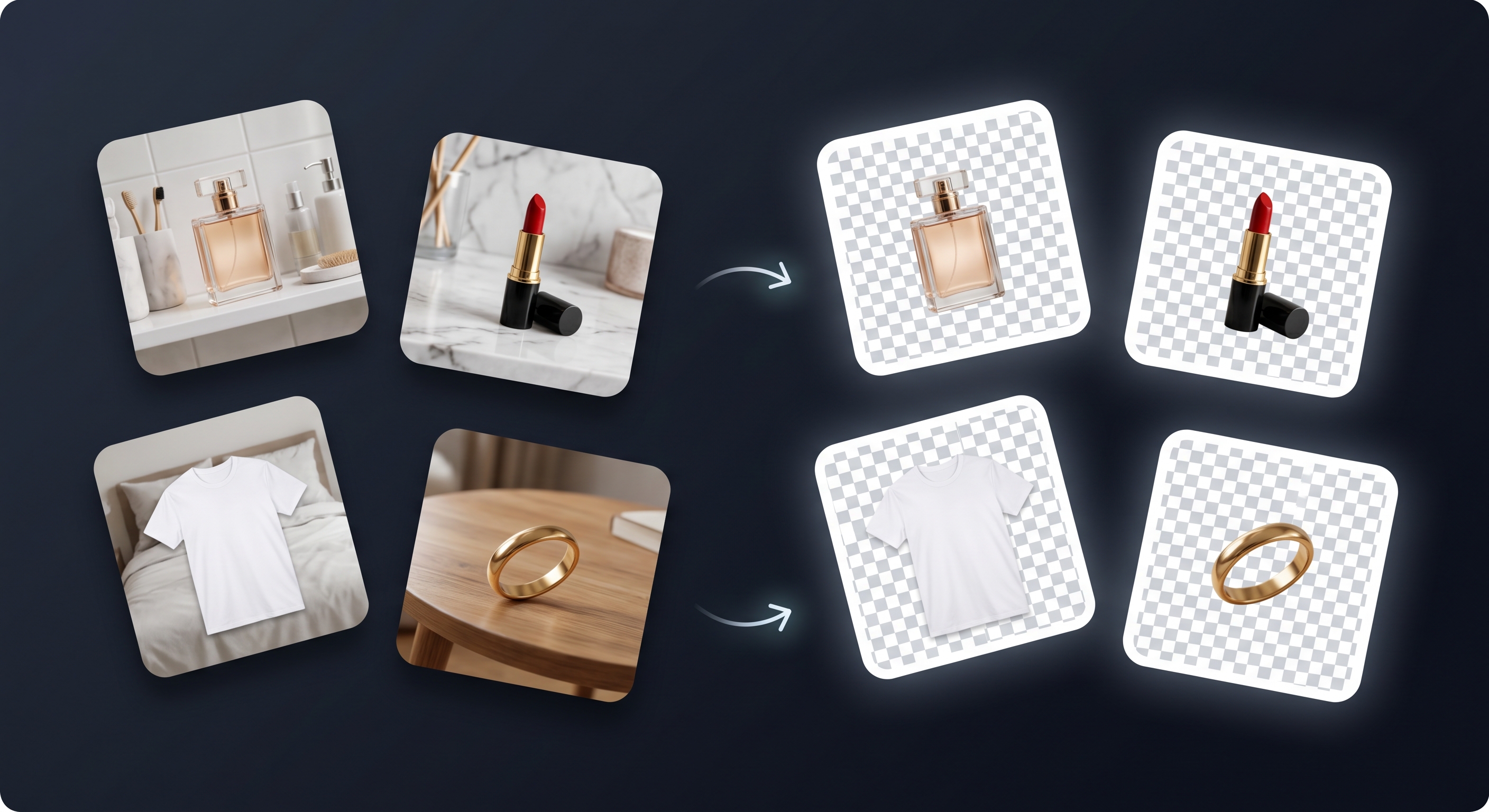
Flyshot uses state-of-the-art AI to remove backgrounds from product photos. The process is straightforward:
- Upload any product photo — phone snapshots, DSLR shots, or existing catalog images
- AI processes the image in seconds, detecting product edges with pixel-level accuracy
- Download a clean, transparent PNG cutout ready for any use
What makes Flyshot different from standalone background removal tools is what happens after the cutout. Your isolated product goes into your brand catalog, and you can generate editorial-quality lifestyle scenes around it — with intentional lighting, composition, and mood. Background removal is the first step in a complete product photography pipeline.
The Free Tier: 25 Credits, No Credit Card
Flyshot gives every new account 25 free credits with no credit card required. Each background removal costs 1 credit, so that's 25 free background removals to start.
That's enough to process a small product line or test the quality on your most challenging images before committing. If you need more, credit packs start at affordable prices — see the pricing page for details.
How It Compares to Other Free Tools
There are several free background removal tools available. Here's an honest comparison:
- remove.bg — Good quality, but the free tier limits output resolution. Full-resolution downloads require a paid plan. Standalone tool only — no scene generation.
- Canva — Includes background removal in Pro plans. Convenient if you're already in Canva, but not specialized for product photography.
- PhotoRoom — Solid mobile app for quick removals. Limited batch processing and no editorial scene generation.
- Flyshot — 25 free credits at full resolution. Background removal feeds directly into AI scene generation for complete product photography. Best for sellers who need both cutouts and lifestyle images.
Every tool has tradeoffs. If you only need occasional quick removals, any of these work. If you're building a product catalog and need both clean cutouts and styled scenes, Flyshot's integrated pipeline saves you from stitching together multiple tools.
Getting Started
- Sign up free — takes 30 seconds, no credit card
- Upload a product photo in the Studio
- Click remove background
- Download your transparent PNG
25 free credits. Professional-quality cutouts. No strings attached. Try it now.