April 4, 2026
Instagram Product Photography: Sizes, Styles & Tips
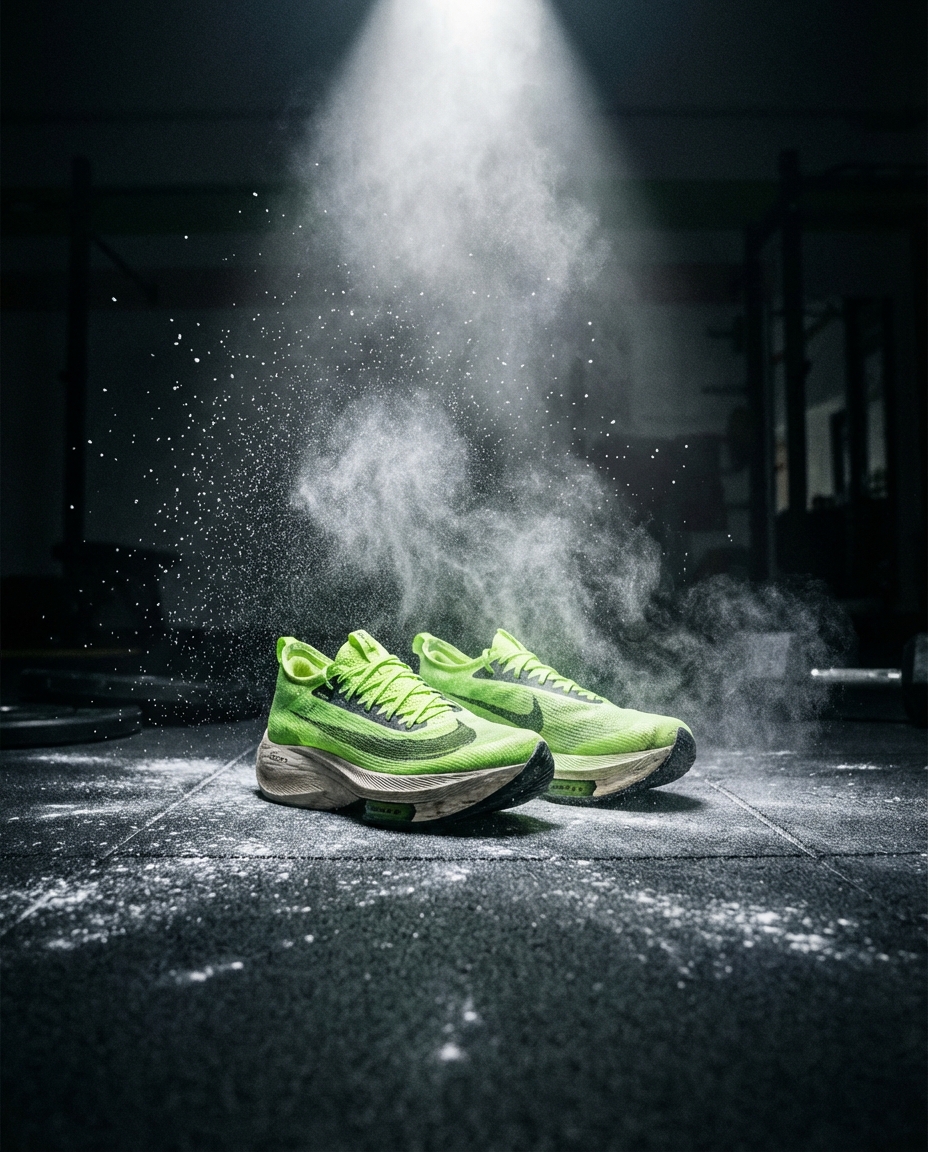
Instagram is still the best free storefront most e-commerce sellers aren't using properly. The difference between a scroll-past and a sale often comes down to image dimensions, visual consistency, and knowing which content styles actually convert.
Here's what works right now.
Instagram Photo Sizes That Actually Matter
Instagram supports several aspect ratios, but only a few matter for product sellers. Get these wrong and your images get cropped awkwardly or look blurry.
- 1080 x 1080 (1:1) — The classic square. Still the safest bet for feed posts. Shows up clean in your grid and doesn't get cropped in previews.
- 1080 x 1350 (4:5) — Portrait format. This takes up the most screen real estate in someone's feed, which means more attention on your product. Use this as your default.
- 1080 x 1920 (9:16) — Full-screen vertical for Stories and Reels. Non-negotiable if you're doing any video or story content.
- 1920 x 1080 (16:9) — Landscape. Rarely useful for product posts, but works for YouTube cross-posts or website banners.
The 4:5 portrait ratio is the move for most product photos. It fills more of the screen than a square, which means your product gets more eyeball time before someone scrolls past.
Quick Dimension Cheat Sheet
| Format | Ratio | Pixels | Best For | | ---------- | ----- | ----------- | ---------------------------------- | | Square | 1:1 | 1080 x 1080 | Grid consistency, carousels | | Portrait | 4:5 | 1080 x 1350 | Feed posts (max visibility) | | Story/Reel | 9:16 | 1080 x 1920 | Stories, Reels, TikTok repurposing | | Landscape | 16:9 | 1920 x 1080 | Web banners, YouTube thumbnails |
Instagram Product Photography Styles That Convert
Dimensions are table stakes. The style of your photos determines whether people actually stop and engage.
Lifestyle Shots Beat White Backgrounds on Instagram
A product on a white background works great for your website and Amazon listings. On Instagram, it dies. People scroll right past it because it looks like an ad — and not the good kind.
Lifestyle imagery outperforms flat product shots on Instagram almost every time. Show your product in context: on a kitchen counter, in someone's hand, on a desk with good lighting. This is especially true for fashion and beauty products, where context sells the aspiration. This is exactly why lifestyle photography outperforms white backgrounds for social content.
Flat Lays and Styled Arrangements
Flat lays work especially well for smaller products — cosmetics, accessories, food items. Arrange your product with complementary props, shoot from directly above, and keep the color palette tight. Three to four items max. Don't clutter it.
Carousel Posts for Multiple Angles
Carousels get higher engagement than single images on Instagram. Use them to show:
- Hero lifestyle shot (first slide — this is what hooks them)
- Close-up detail shots
- Product in use
- Size comparison or scale reference
- Customer review or testimonial overlay
How to Keep Your Instagram Grid Consistent
A messy grid kills trust. When someone lands on your profile, they decide in about two seconds whether your brand looks legit. Consistency is what makes that snap judgment go your way.
- Pick 2-3 background styles and rotate between them
- Use the same lighting temperature across all shots (warm or cool, not both)
- Stick to a color palette that matches your brand
- Shoot at the same resolution so nothing looks pixelated next to a crisp image
The hard part isn't knowing this — it's actually doing it consistently when you're juggling inventory, shipping, and customer service.
Generate Instagram-Ready Product Photos with AI
Here's where most sellers hit a wall. You know lifestyle shots perform better. You know 4:5 is the right ratio. But setting up a styled shoot for every new product? That's hours of work or hundreds of dollars per session.
Flyshot lets you skip the shoot entirely. Upload a product photo — even one taken on your phone — and it removes the background and generates a styled lifestyle scene using AI. You can choose from style presets or describe your own scene. The key part for Instagram: Flyshot has built-in aspect ratio presets that match every Instagram format.
Need a 1:1 square for your grid? Select it. Want a 4:5 portrait for maximum feed presence? One click. Reels at 9:16? Done.
You can generate multiple scenes for the same product in minutes, which means you can actually fill a content calendar without burning out. Check out the studio to see how it works, or look at pricing if you want to start with the free credits.
For more on taking better product photos with your phone before uploading them, that guide covers lighting and angles that make AI generation work even better.
A Simple Instagram Product Photography Workflow
Here's a workflow that actually scales:
- Batch your product photos — spend one session shooting all your products on a clean surface with good lighting
- Upload to Flyshot and generate lifestyle scenes in each Instagram ratio you need
- Build a 2-week content calendar — alternate between lifestyle shots, flat lays, carousels, and Reels
- Schedule posts using whatever tool you prefer (Meta Business Suite is free)
- Repurpose across platforms — your 9:16 Reels work on TikTok, your 16:9 shots work on your website
This turns product photography from a recurring headache into a one-time batch task. You shoot once, generate multiple scenes, and you're covered for weeks.
Stop Overthinking It
The best Instagram product photography isn't about expensive cameras or perfect lighting rigs. It's about the right dimensions, consistent styling, and volume. Get your sizing right, lean into lifestyle imagery, and use tools like Flyshot's AI studio to generate the variety you need without it consuming your entire week. Your grid will look better, your engagement will go up, and you'll have more time to focus on actually running your business. For a deeper dive into AI-powered product photography, check out our complete guide.